Showing posts with label blog. Show all posts

Lighting Challenge #22: The Carnival

his challenge features a carnival scene. The deadline for this challenge is April 30th, 2010. Your objective is to create one or more images from these themes:

• Bright Night
• Child's Fantasy
• Abandoned
• Tale of Horror


The scene was modeled by Dan Konieczka


The scene is available here: http://www.3drender.com/challenges/index.htm

Visit CGS Lighting Challenge Thread

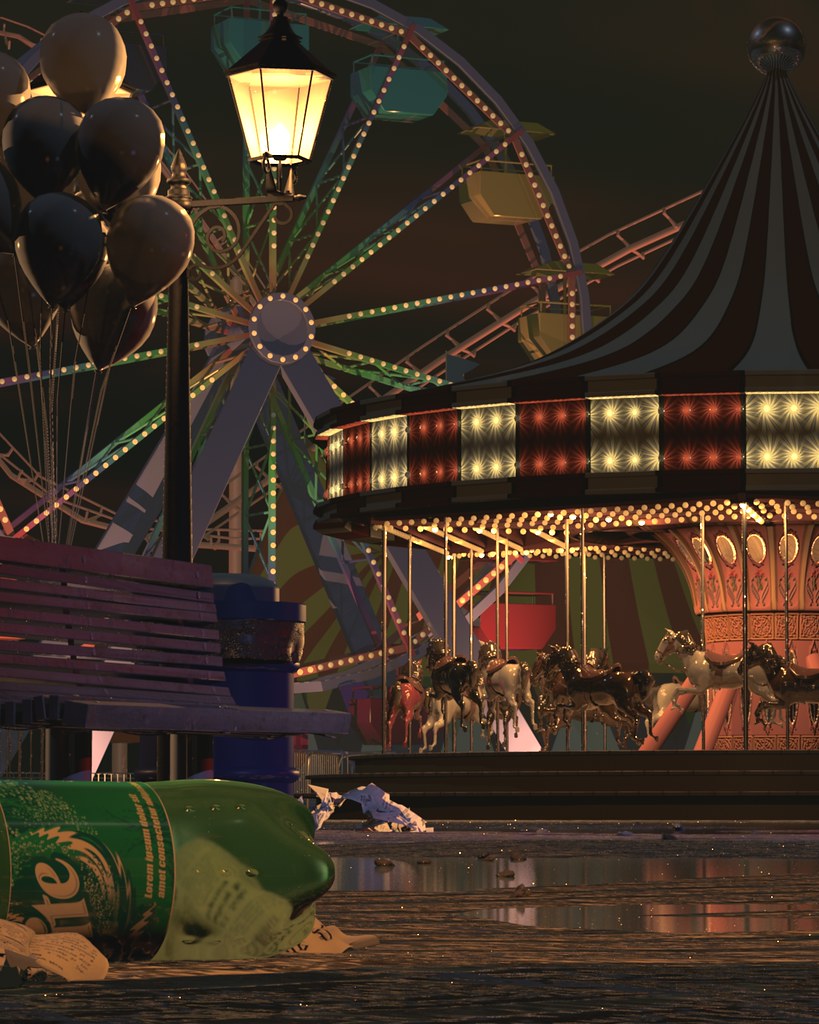
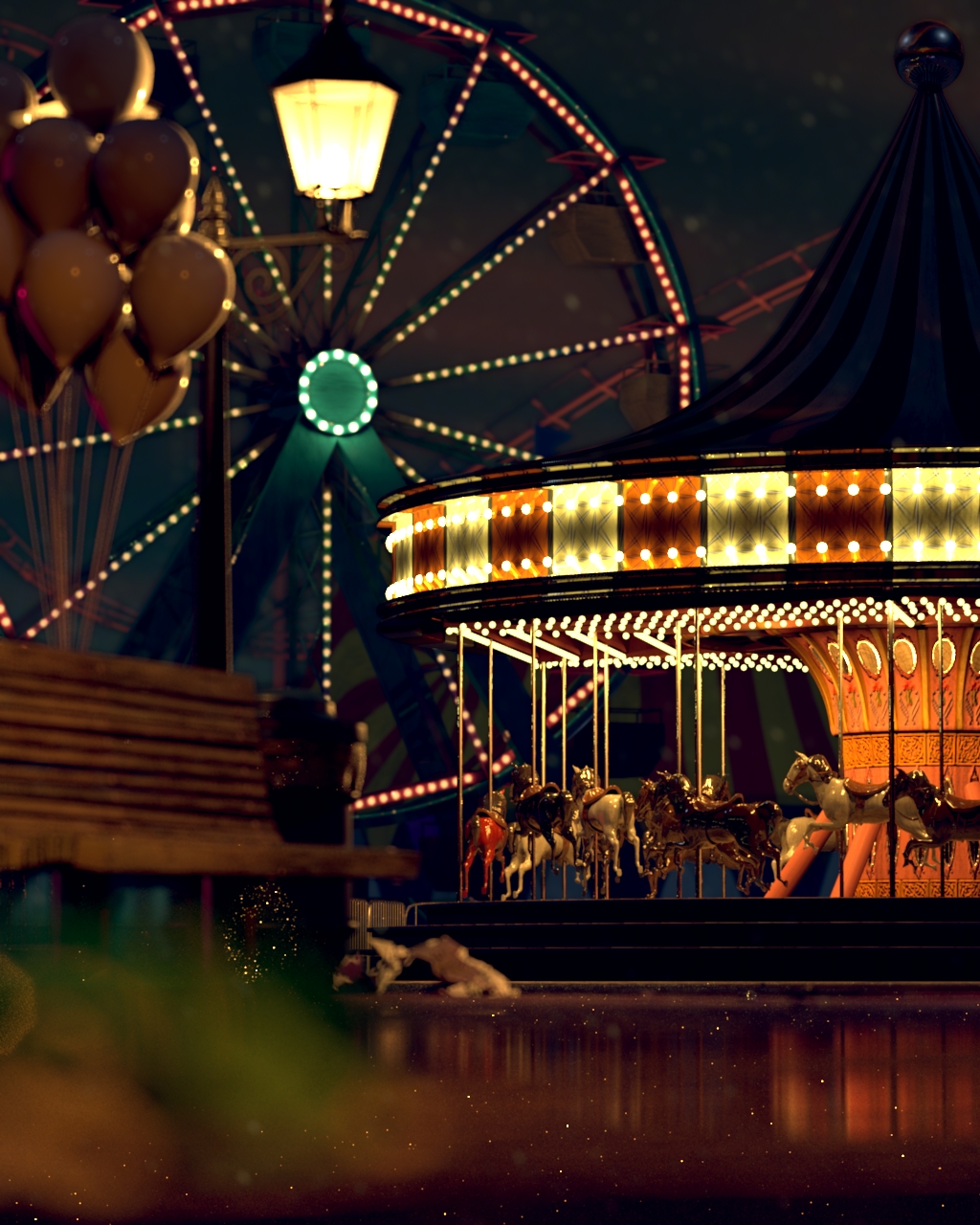
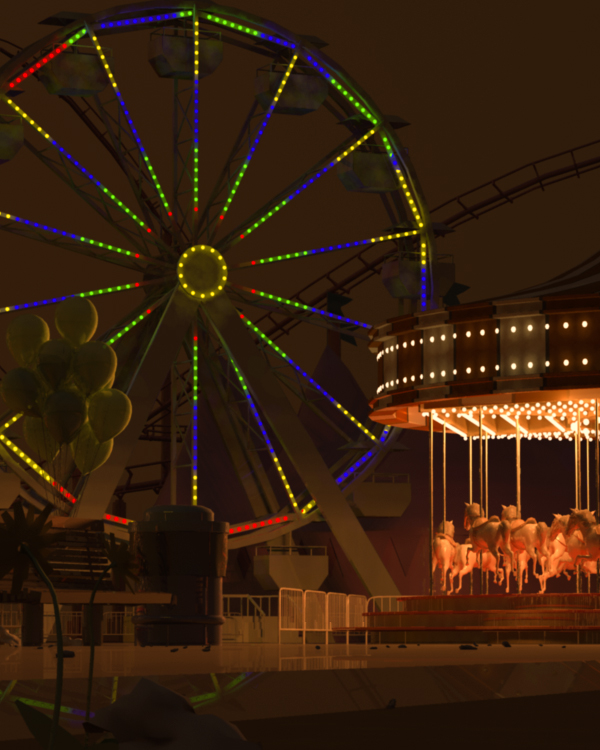
I decided to do a combination of bright night and abandoned theme...

it was a perfect evening of fun and excitement when all of a sudden it rained really hard. people ran for shelter. all that is left is an empty carnival
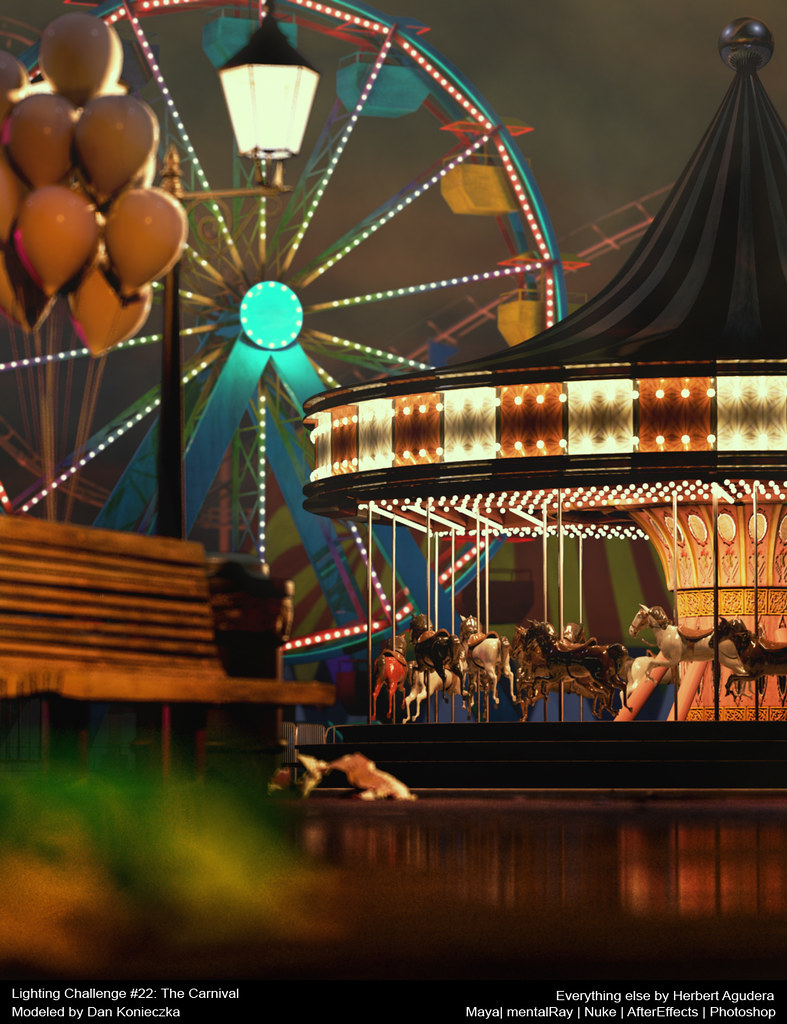


Final Image
Softwares Used: Maya | MentalRay | Nuke | AfterEffects | Photoshop
Plugin used: wom_archlight 1.0 (thanks wombat778)
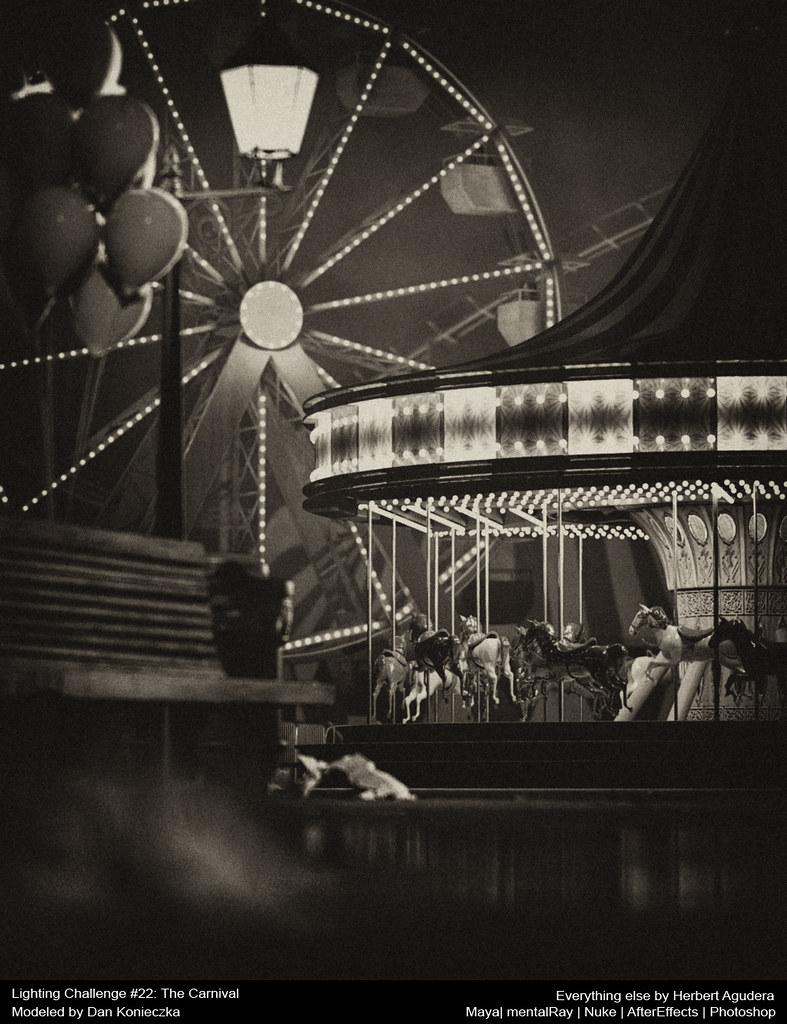



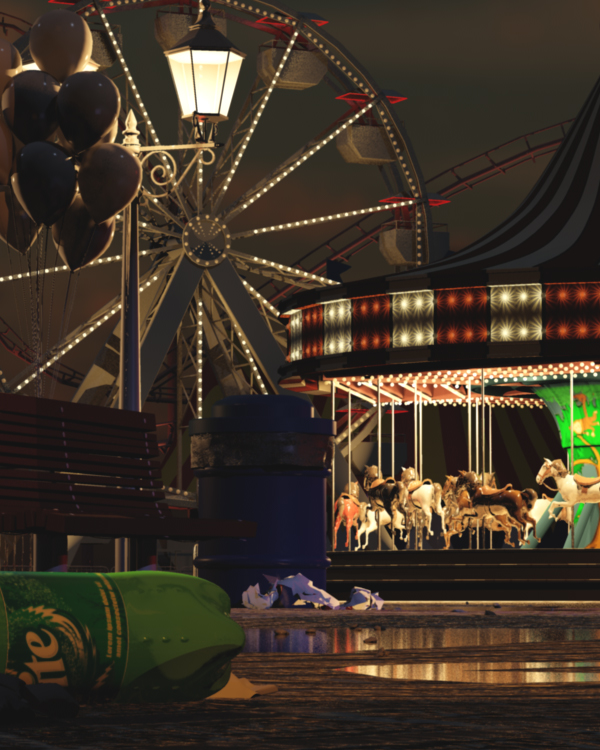
Black & White Version


Progress Rendered Images


Challenge #21 Gallery is now Online!


and i got in! both versions that i did made the cut. now i'm in cloud nine. :)

you can view the gallery here: Challenge #21: The Bedroom


LC21: The Bedroom (Teenage Angst) Light & Comp Setup

Lighting Challenge # 21: The Bedroom
Modeling: David Vacek
Everything Else: Herbert Agudera


Teenage Angst Theme: i wanted to do this theme first, but at the time when i started working on the texture i still don't know how i wanted it to look and feel angry. after working on the Winter Sunset Theme that's when i got the idea of lighting it like it's being lit by a black/UV-lamp. i wanted it look like when the UVlamp is off, you wont be able to see the graffiti, nice and clean like the Winter Sunset version. but when it's night and the UV lamp is on, it's an angry room.


Lights: lighting on this scene was very simple. i had one pointlight that serves as the key light or my black/UV light; another pointlight for the table lamp; and an arealight for the light coming from the outside.


UVlight Effect: i did this just by adding a texture map (color adjusted in photoshop) and connecting it to the ambient color of the shader. that's it nothing really special. :)


Render Layers: later on i added two lights a volumelight and a spotlight for the fog/smoke, each on a separate render layer.


Rendered Images (view image in a separate tab for a larger version)


Post: just a simple compositing work. adjusted the curves then imported it to Lightroom for some color correction and added some chromatic aberration.


LC21: The Bedroom (Winter Sunset) Light & Comp Setup

LC21: The Bedroom (Winter Sunset) Light & Comp Setup

Lighting Challenge # 21: The Bedroom
Modeling: David Vacek
Everything Else: Herbert Agudera


Winter Sunset Theme: I pretty much like the camera angle when i opened the file so i decided to keep it. you can also see how i positioned some of the lights in the scene.


Lights: i wanted to light the scene in a semi-traditional way. i used two spotlights as my sun/key lights and two arealights for my sky/Fill lights. i used a lot of spotlights as bounce lights to illuminate some of the darker parts.


MR Lights: later on i added mia_portal_light, attached a ramp texture done using photoshop, connected it to my skylights and turned on Final Gathering.


Render Layers: made an occlusion pass for more contact shadows. and added 3 more fill lights, put it on a separate pass for me to easily manipulate its intensity during post.


Rendered Images (view image in a separate tab for a larger version)


Post: just a simple compositing work. adjusted the curves then imported it to Lightroom for some color correction and added some chromatic aberration.


LC21: The Bedroom (Teenage Angst) Light & Comp Setup

Lighting Challenge #21: The Bedroom

Challenge #21 features a set used in a short film by David Tousek. The challenge is to light and render the scene to express AT LEAST ONE of the following feelings with the scene:
glorious morning
teenage angst
afraid of the dark
winter mood
romantic sunset


The deadline is December 31, 2009, although if you post your work earlier, other participants can give you feedback. You can download the 3D scene files from here:

http://www.3drender.com/challenges/index.htm


This scene was modeled by David Vacek.

Visit CGS Lighting Challenge Thread

I decided to do a Sunset Winter Mood.


Render 1: Basic Lighting


Render 2: Added bounce lights


Render 3: Added more bounce lights and turned on final gathering


Render 4: Added a couple of fill lights and used occlusion pass


Render 5: Darker shadows under the bed and table.


Teen Angst Render 1: UVlight lit room


Teen Angst Render 2: Added textures for more UV effect


Teen Angst Render 3: Added textures, dirt and fog


Teen Angst Render 4: Added more textures and fog

Lighting Challenge #18: Science Fiction

The challenge #18 Deadline will be Monday, March 2, 2009.


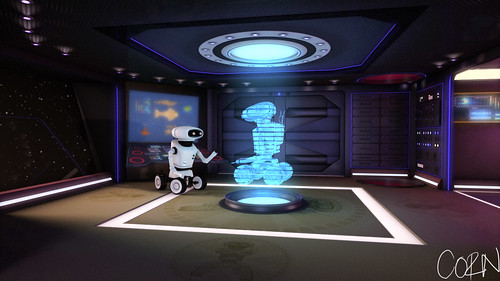
The challenge here is to create a "science fiction" style scene, using the models of a robot in a spaceship hallway that you can download here:

http://www.3drender.com/challenges/index.htm

This scene was modeled by Juan Carlos Silva. Juan previously modeled the Lighthouse challenge, which produced terrific results.

All lights and shading was done by me.. hehe.. The texture maps used in this challenge, i got from the web.

Okay, here are my renders;

Render 1: Basic lighting


Render 2: Added more colors and glows.


Render 3: added texture on the floor.


Render 3: close-up.


I'll post a breakdown soon. =)

Shaded and lighted in 3D using Maya 2008.
Post-processing done in Adobe AfterEffects, Lightroom and Photoshop.

Lighting Challenge #17: Natural History

the scene

The goal here is to bring this scene to life, adding convincing lighting and depth to the space. You can use whatever software or techniques you want to create an original, well-lit 3D rendering of this scene. You may add or subtract or change the models, create textures, arrange the shot as you please, or do whatever else you want to realize your vision of the scene.

Lighting Challenge #17: Natural History


first draft


render #2: change the angle and added more lights


render #3: added more lights and toned-down the walls reflectivity


render #4: Night. used render layers


This scene was modeled by Alvaro Luna Bautista (who did all the architecture and displays and everything except the dinosaurs), and Joel Andersdon (who made the dinosaur skeletons.)

Shaded and lighted in 3D using Maya 2008.
Post-processing done in Adobe AfterEffects, Lightroom and Photoshop.

CGTalk Lighting Challenge #16: The Lighthouse

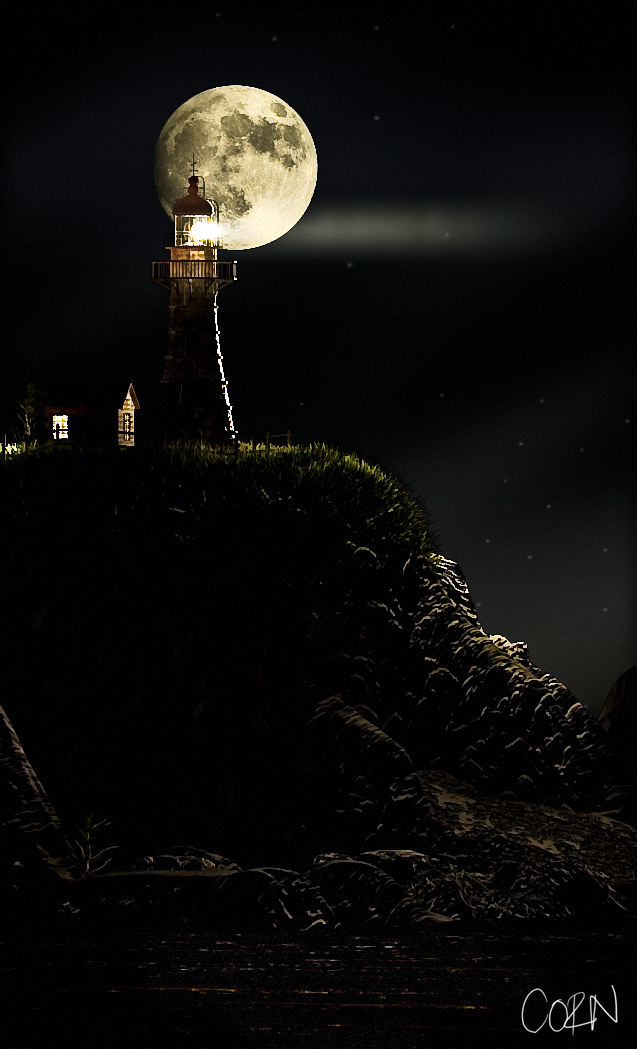
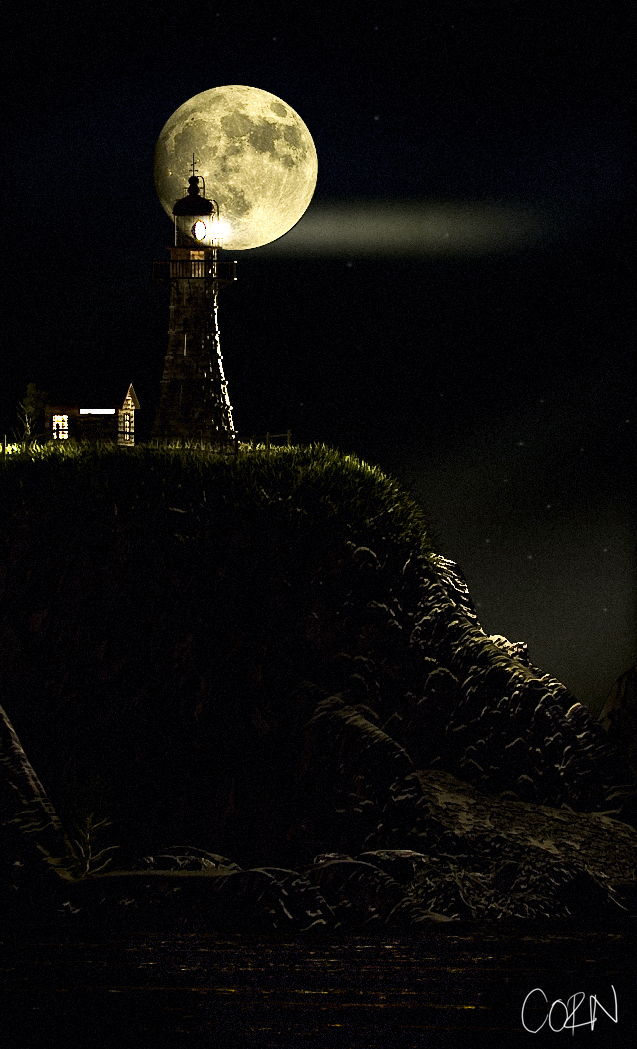
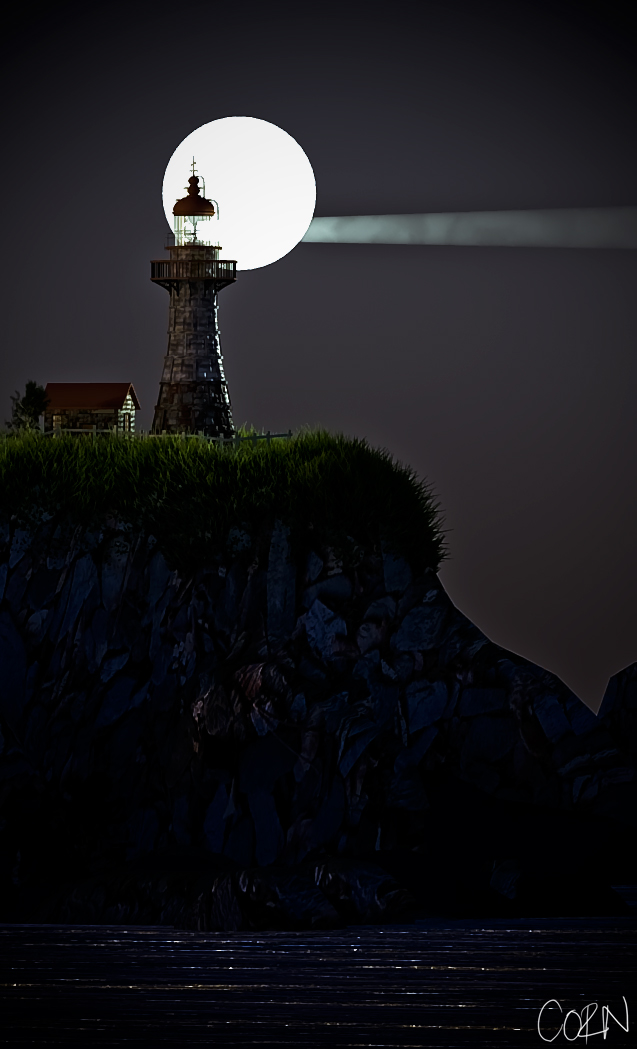
"The challenge here is to light this lighthouse, including the light from the lighthouse's own beam, and whatever surroundings nature might be throwing at it."

Lighting Challenge 16 : Lighthouse


so this what i did. not yet finished so, i'll be posting some updates here every now and then.. hehehe.

Final Render


just an update


added film grain


added more element to the scene


Shaded and lighted in 3D using Maya.
Post-processing done in Adobe Lightroom and Photoshop.

Modeled by Juan Carlos Silva.
Composition reference photo