Showing posts with label lighting. Show all posts

Lighting Challenge #22: The Carnival

his challenge features a carnival scene. The deadline for this challenge is April 30th, 2010. Your objective is to create one or more images from these themes:

• Bright Night
• Child's Fantasy
• Abandoned
• Tale of Horror


The scene was modeled by Dan Konieczka


The scene is available here: http://www.3drender.com/challenges/index.htm

Visit CGS Lighting Challenge Thread

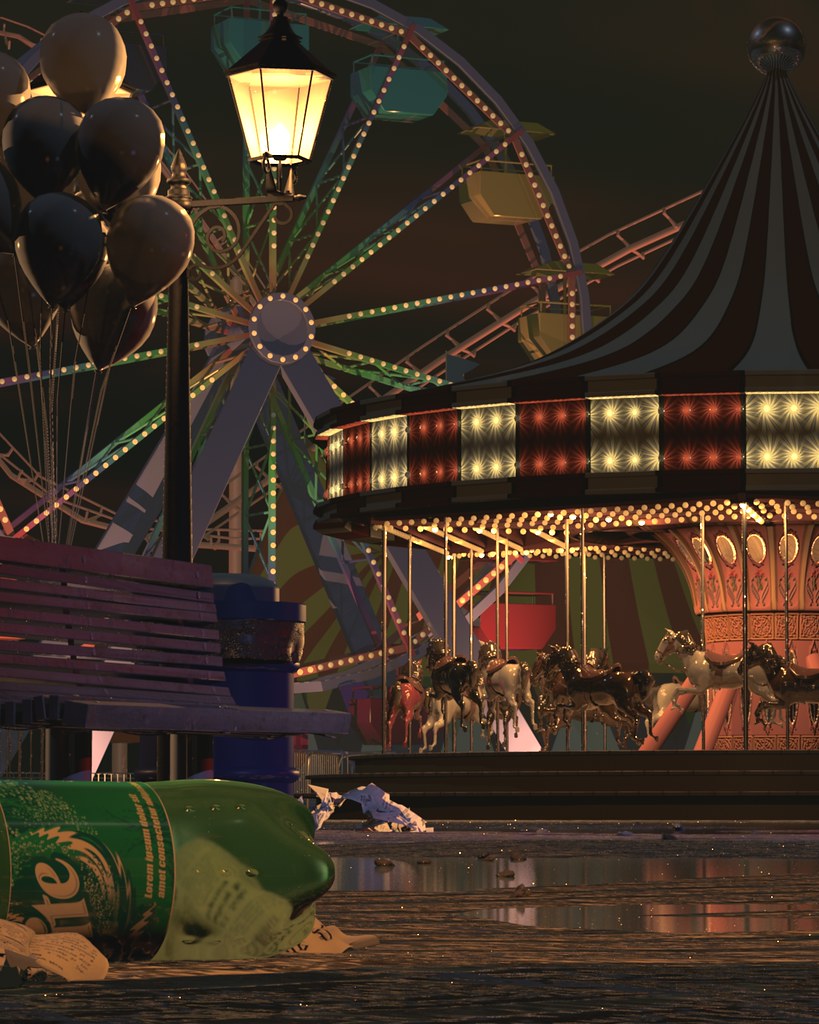
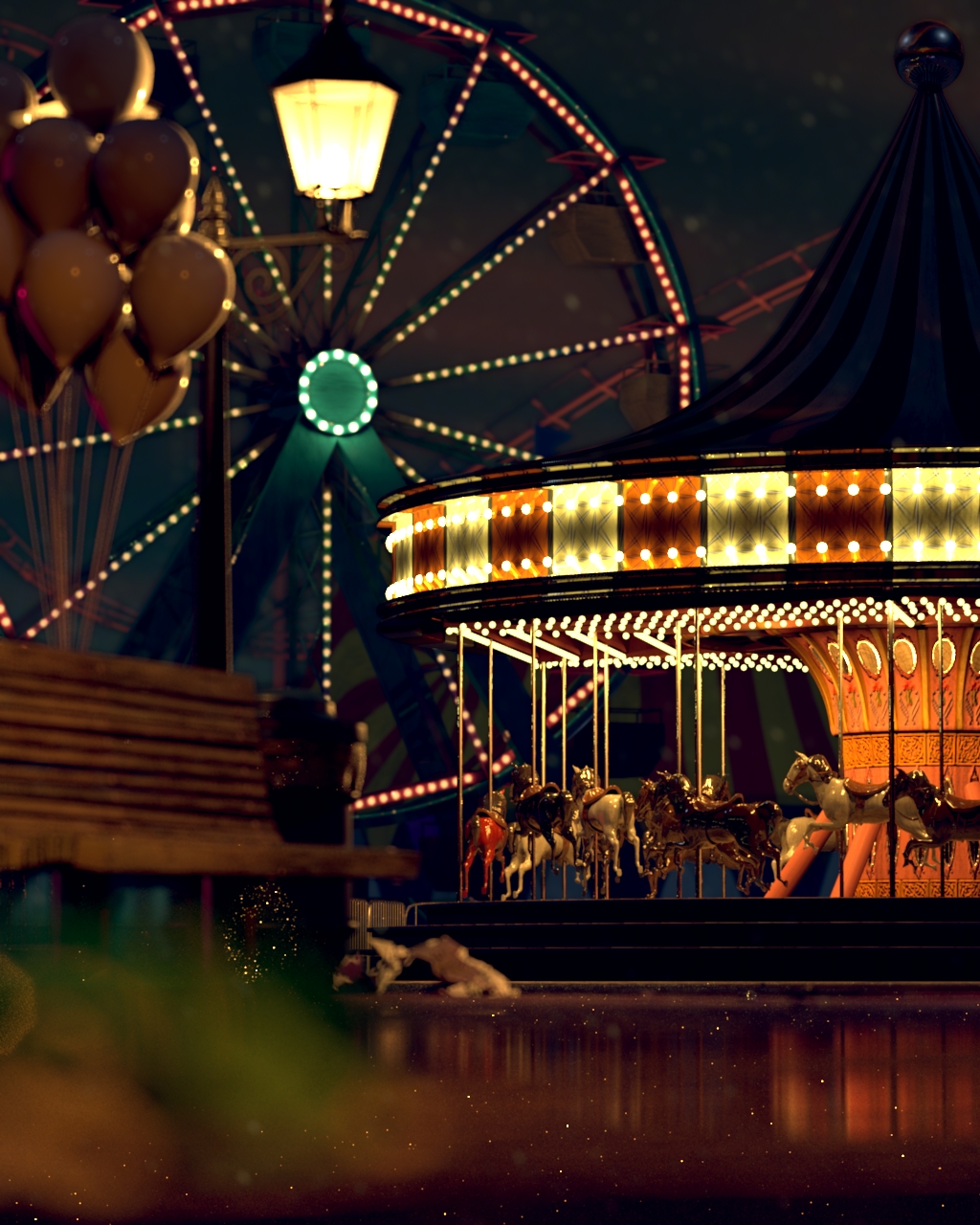
I decided to do a combination of bright night and abandoned theme...

it was a perfect evening of fun and excitement when all of a sudden it rained really hard. people ran for shelter. all that is left is an empty carnival
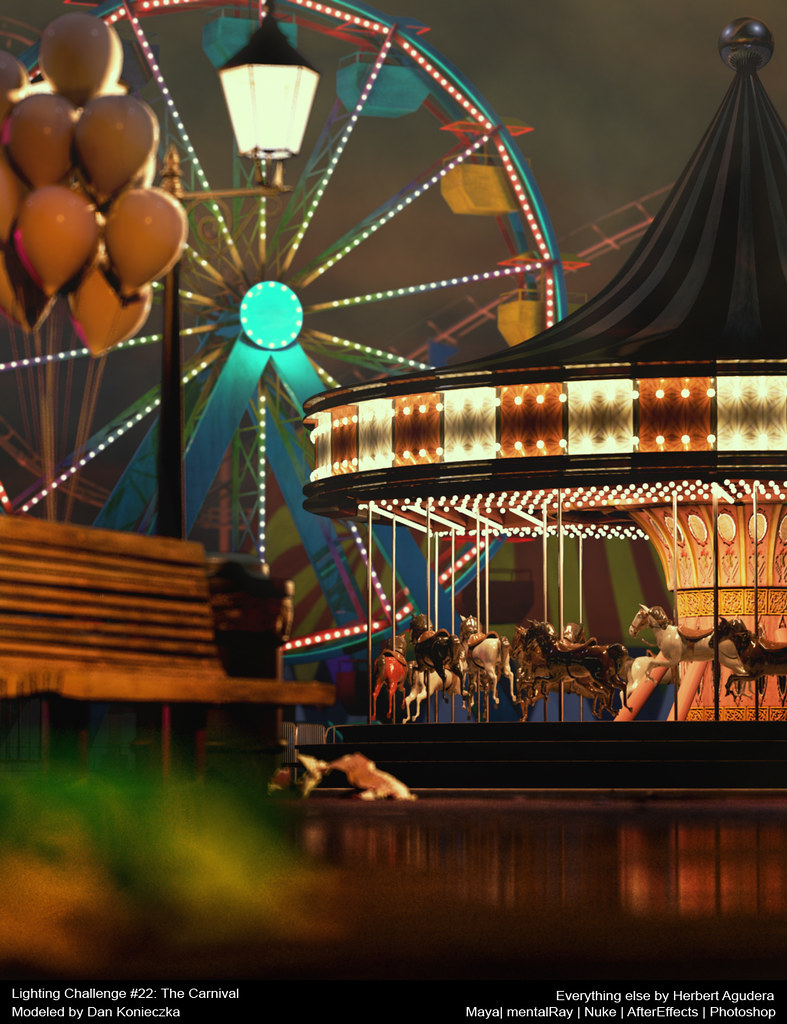


Final Image
Softwares Used: Maya | MentalRay | Nuke | AfterEffects | Photoshop
Plugin used: wom_archlight 1.0 (thanks wombat778)
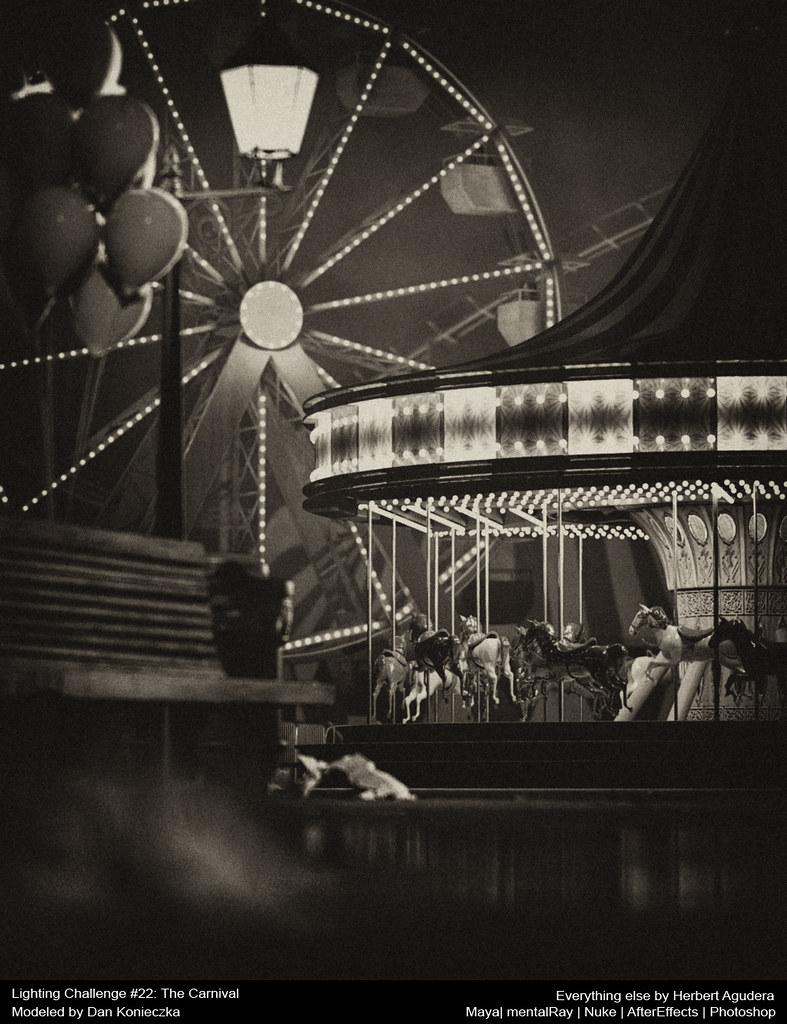



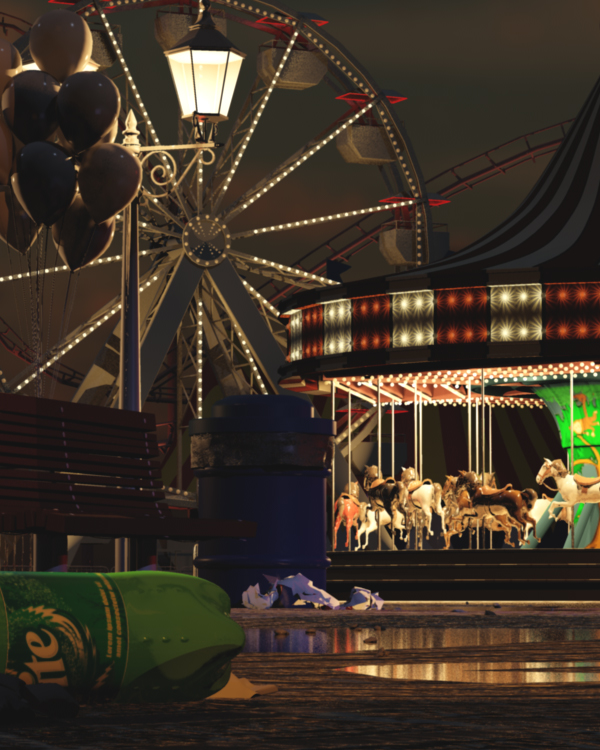
Black & White Version


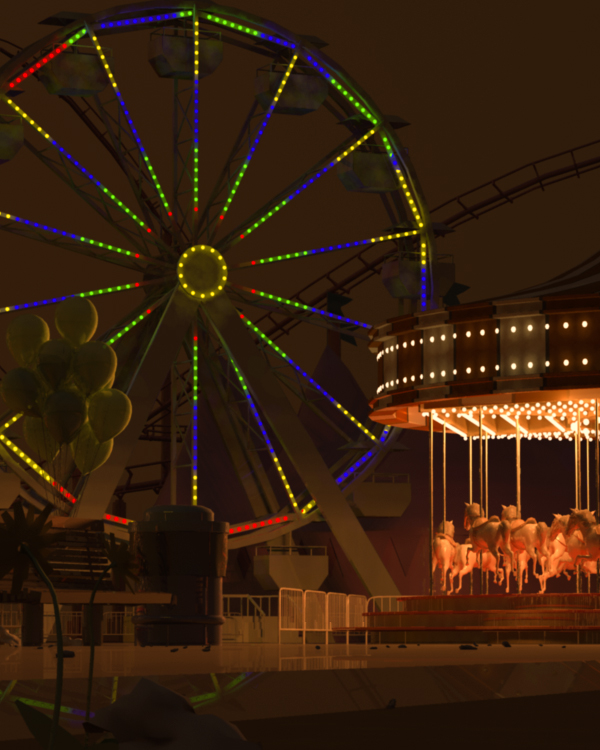
Progress Rendered Images


Lighting Challenge #18: Science Fiction

The challenge #18 Deadline will be Monday, March 2, 2009.


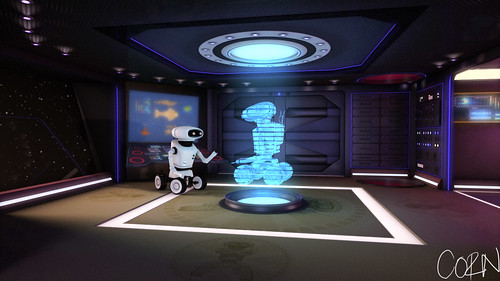
The challenge here is to create a "science fiction" style scene, using the models of a robot in a spaceship hallway that you can download here:

http://www.3drender.com/challenges/index.htm

This scene was modeled by Juan Carlos Silva. Juan previously modeled the Lighthouse challenge, which produced terrific results.

All lights and shading was done by me.. hehe.. The texture maps used in this challenge, i got from the web.

Okay, here are my renders;

Render 1: Basic lighting


Render 2: Added more colors and glows.


Render 3: added texture on the floor.


Render 3: close-up.


I'll post a breakdown soon. =)
Shaded and lighted in 3D using Maya 2008.
Post-processing done in Adobe AfterEffects, Lightroom and Photoshop.

Lighting Challenge #17: Natural History

the scene

The goal here is to bring this scene to life, adding convincing lighting and depth to the space. You can use whatever software or techniques you want to create an original, well-lit 3D rendering of this scene. You may add or subtract or change the models, create textures, arrange the shot as you please, or do whatever else you want to realize your vision of the scene.

Lighting Challenge #17: Natural History


first draft


render #2: change the angle and added more lights


render #3: added more lights and toned-down the walls reflectivity


render #4: Night. used render layers


This scene was modeled by Alvaro Luna Bautista (who did all the architecture and displays and everything except the dinosaurs), and Joel Andersdon (who made the dinosaur skeletons.)

Shaded and lighted in 3D using Maya 2008.
Post-processing done in Adobe AfterEffects, Lightroom and Photoshop.

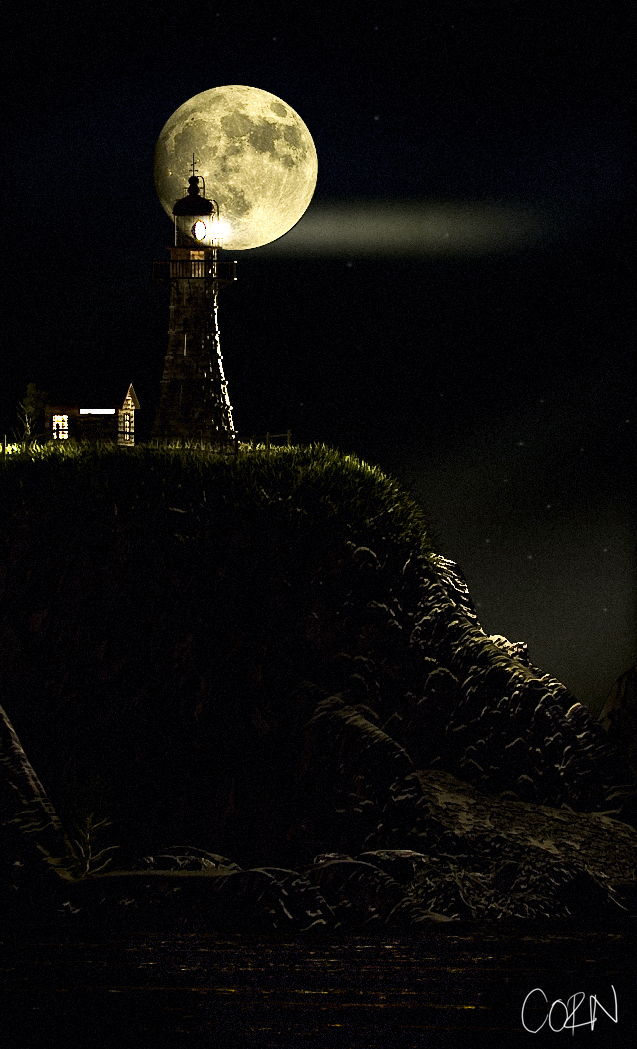
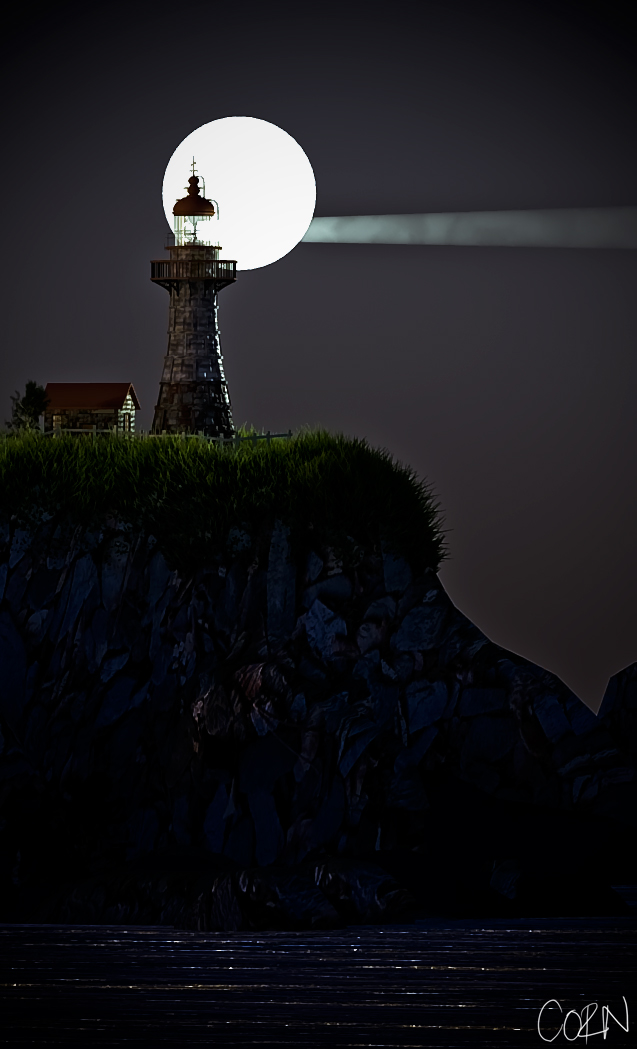
CGTalk Lighting Challenge #16: The Lighthouse

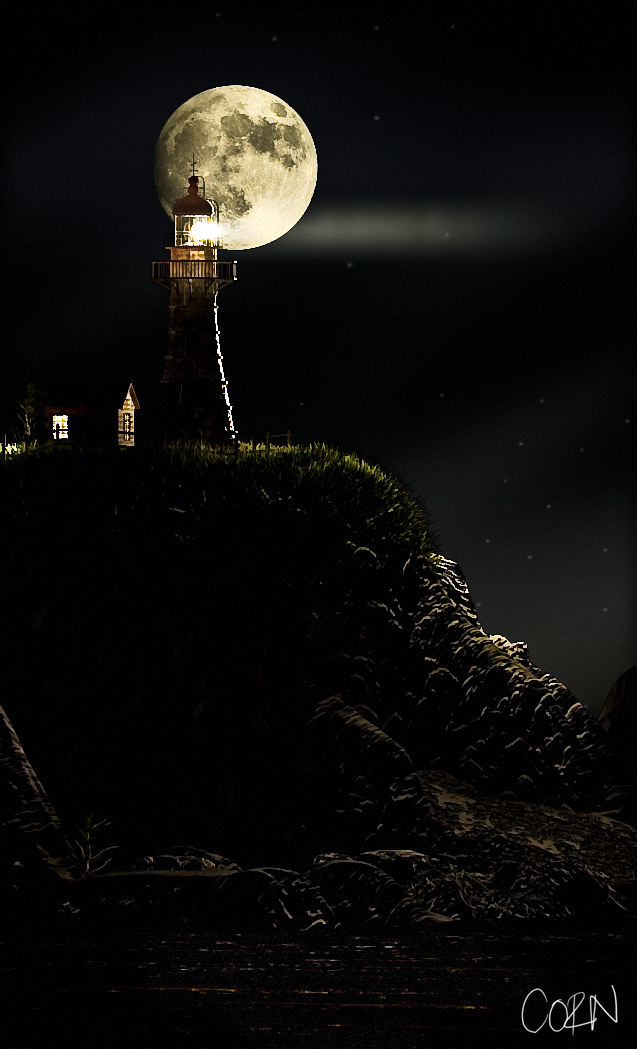
"The challenge here is to light this lighthouse, including the light from the lighthouse's own beam, and whatever surroundings nature might be throwing at it."

Lighting Challenge 16 : Lighthouse


so this what i did. not yet finished so, i'll be posting some updates here every now and then.. hehehe.

Final Render


just an update


added film grain


added more element to the scene


Shaded and lighted in 3D using Maya.
Post-processing done in Adobe Lightroom and Photoshop.

Modeled by Juan Carlos Silva.
Composition reference photo

CGTalk Lighting Challenge #9: Neon and Chrome


CGS Thread

Modeled by Christophe Desse and Matthew Thain.a 3dRender.com Lighting Challenge

CGS Lighting Challenge 4

mentalray for Maya renderer(outdoor-night scene)


Maya Software Renderer (club scene)


mentalray for Maya renderer(outdoor scene)


CGS forum thread

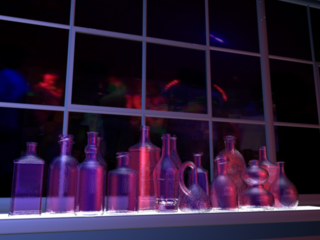
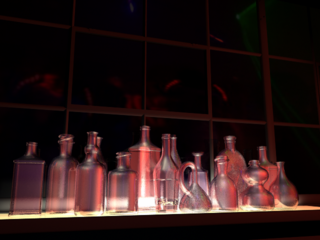
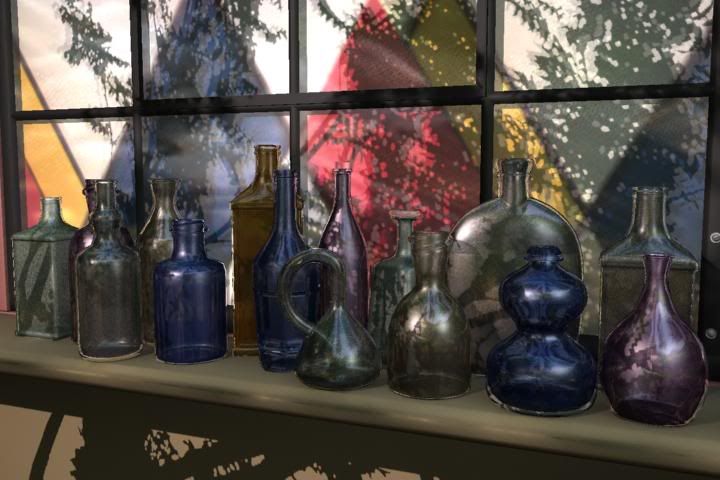
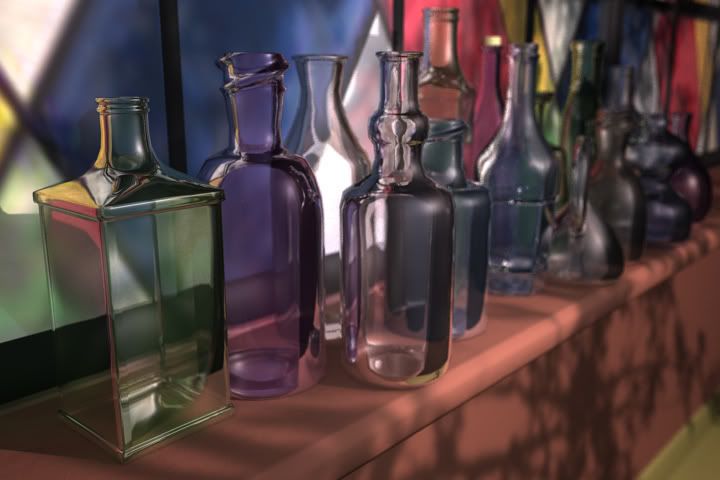
Modeled by Jeremy Birn, a 3dRender.com Lighting Challenge

CGS Lighting Challenge 2


CGS forum thread


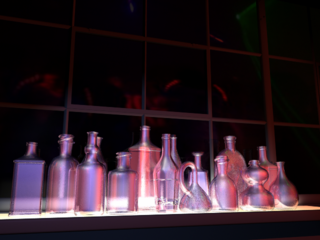
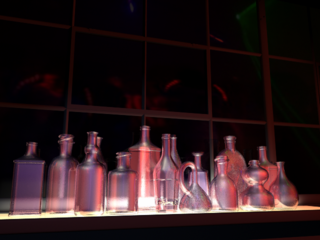
Modeled by Jeremy Birn,a 3dRender.com Lighting Challenge